EVERYDAY COMPUTING GUIDE
Simple, easy-to-understand guides to help you learn how computers, laptops and everyday technology work in real life.

About Us
CompHorizons is an independent online platform focused on providing simple, easy-to-understand information about computers, laptops and everyday technology. Our content is designed for beginners, home users and small business users who want to better understand how modern computing works.
We cover a wide range of topics, including basic computer concepts, hardware components, operating systems and general usage guides. Our goal is to explain these topics in a clear and practical way to support everyday learning.
We aim to be a helpful educational resource that allows users to explore computing topics, understand available options and make informed decisions based on their needs.
About UsHIGH-PERFORMANCE COMPUTERS
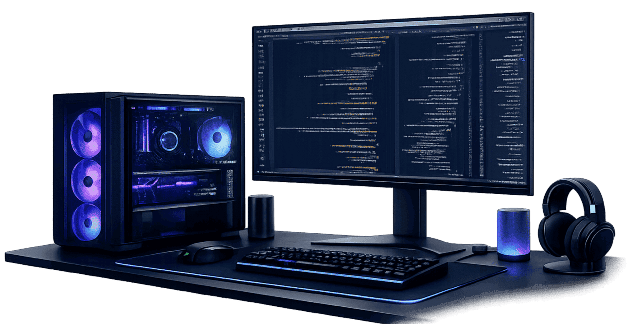
High-performance computers are designed to handle demanding tasks such as heavy workloads, data processing, and multitasking more efficiently. These systems are commonly used in environments like offices, education, research and content creation, where reliable and consistent performance is important. They typically include components built to support higher processing needs than standard home computers.
Key Features of High-Performance Computers
Processing Speed: These systems are built to run demanding applications and multitask smoothly, helping maintain stable performance during heavier workloads.
Resource Considerations: High-performance computers often include more powerful processors, higher memory capacity and faster storage to handle intensive tasks efficiently.
Durability: They are designed for longer usage periods and can operate reliably in environments with continuous or frequent workloads.
Performance Consistency: These systems aim to deliver steady and reliable performance across different tasks, depending on their configuration.
Flexibility: High-performance computers can support a wide range of software, workloads and usage needs, making them suitable for various computing environments.
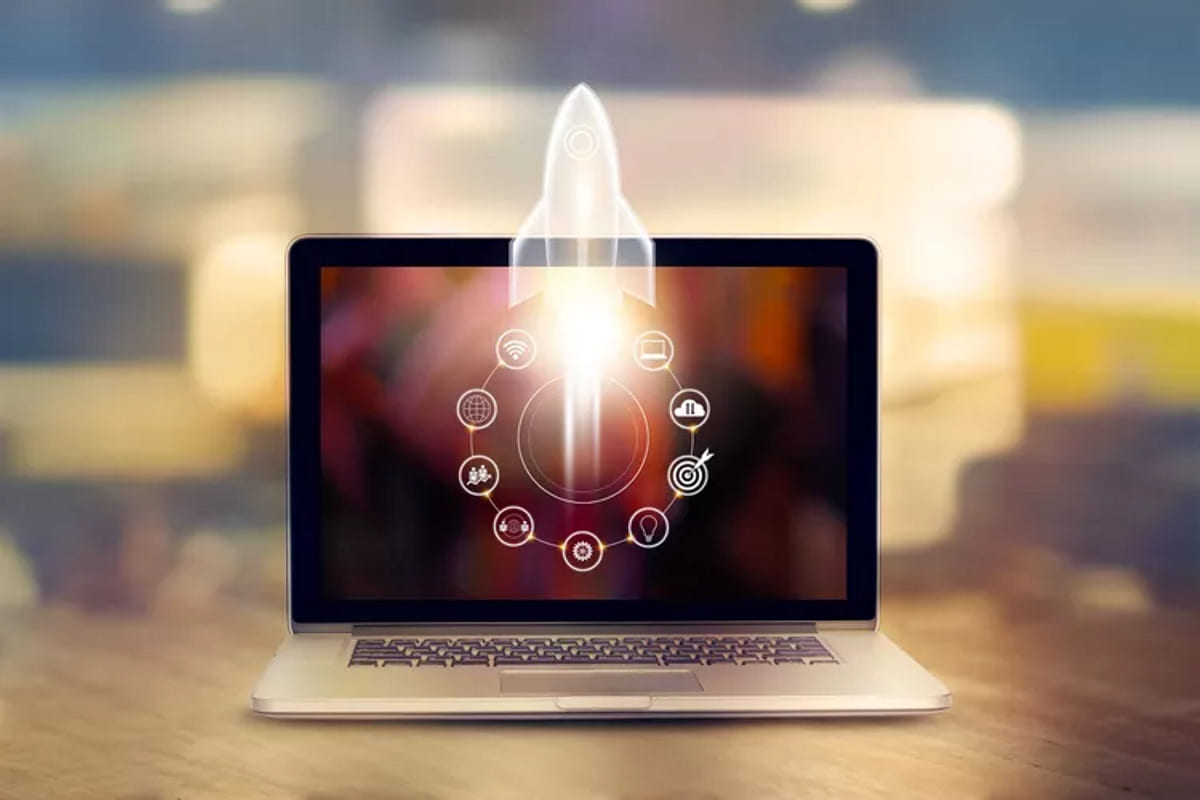
FAST SYSTEM STARTUP TIME
Fast system startup time refers to how quickly a computer or laptop becomes ready to use after being powered on or waking from sleep. It is often used as a general indicator of how responsive a system feels in everyday use.
Importance of Startup Time
Workflow Readiness: Faster startup times help users begin tasks more quickly, reducing waiting time before accessing files and applications.
Operational Efficiency: In environments where computers are used frequently throughout the day, quicker startup can support smoother workflows and reduce interruptions.
User Experience: Startup speed can affect how responsive a device feels, especially on shared or regularly used systems where delays may impact overall usability.
DESKTOP & LAPTOP COMPUTERS
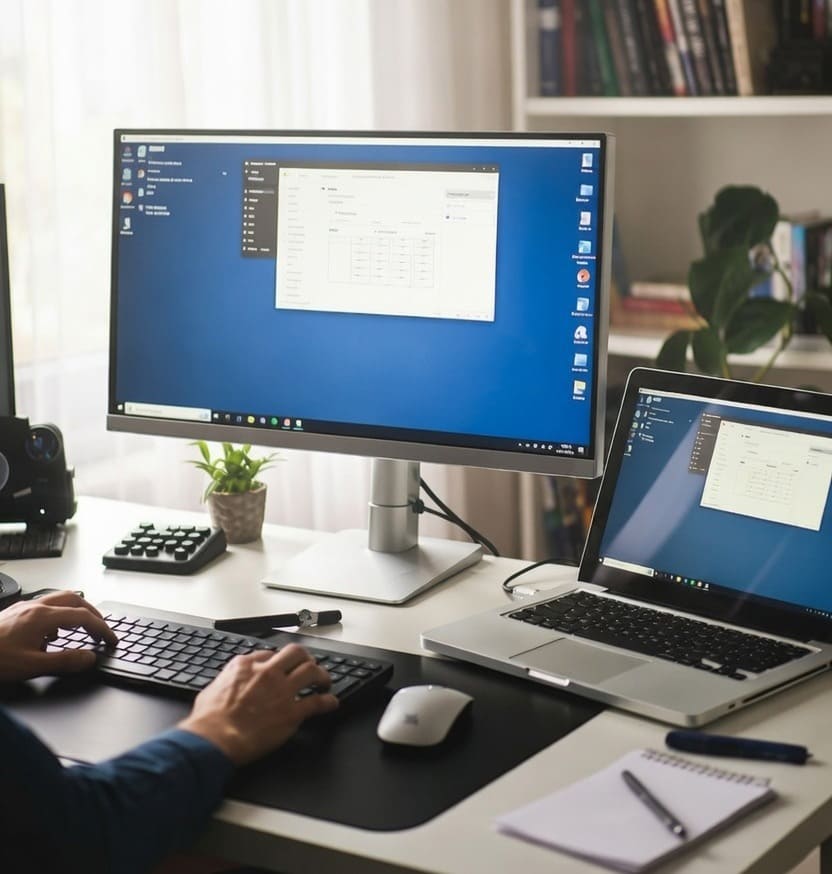
Desktop and laptop computers are personal devices used for everyday tasks such as browsing, document creation, communication and data management. They allow users to work, study and access information from their own devices, whether at home, in the office, or in other environments.
On these systems, tasks and data are processed directly on the device. Users can run applications, store files, and connect to online services independently. This differs from centralized systems, where resources are managed from a single location and accessed remotely.
Characteristics of Desktop and Laptop Computers
Personal Device Access: Each user typically works on their own device, allowing personalized settings, applications and files based on individual needs.
Workload Distribution: Tasks are handled independently on each device, reducing reliance on a single system.
Local Device Availability: Devices are usually available within the user's workspace, making it easy to access files and software without shared dependency.
System Configuration: These computers can be customized with different hardware and software options to match performance and usage needs.
Operational Flexibility: Multiple devices can support continued work across different systems if one device is temporarily unavailable.